Documentation / Quality assurance
The syllabus archive
Section syllabi written in the LMS on top of an approved outline, kept term by term.
A course outline is the approved record; a syllabus is one instructor’s section of it in one term. Instructors write theirs in the LMS, on top of the approved outline, and Lecon keeps every one — past and current, and alongside them the ones added by hand for sections no LMS carried.
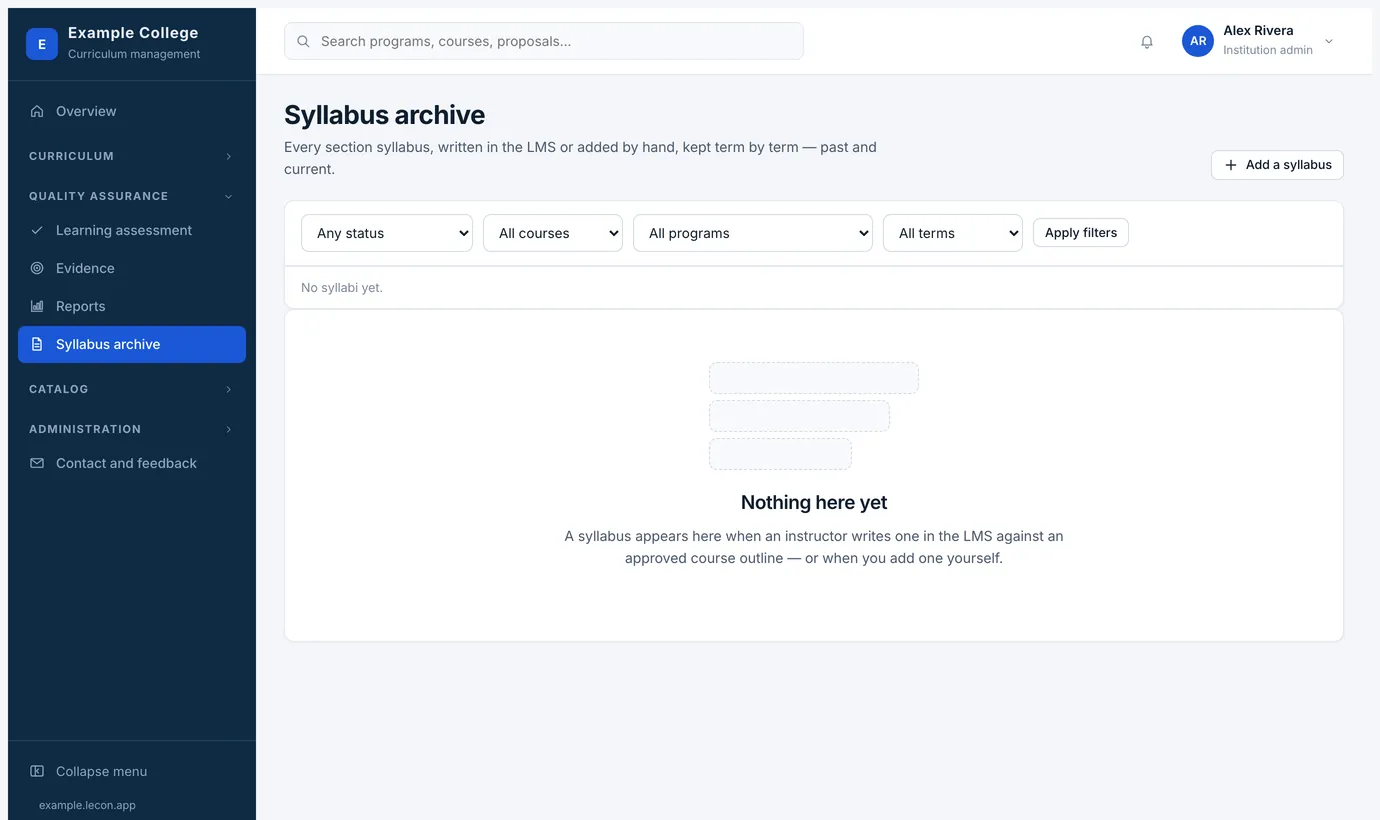
- Filter by status, course, program and term. A syllabus appears here as soon as an instructor writes one against an approved course outline.
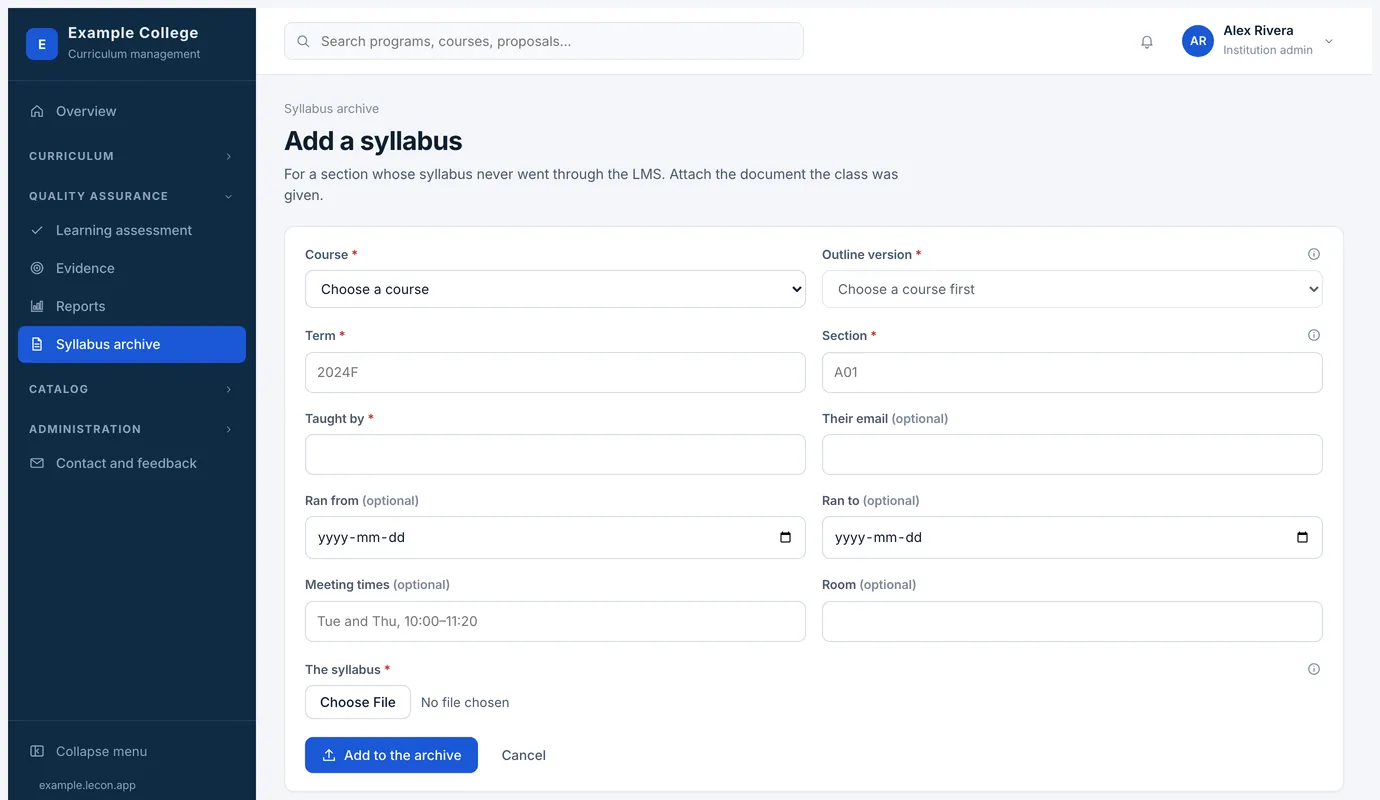
- A section whose syllabus never went through the LMS can be added by hand: choose the course, the term and the instructor, and attach the document the class was given. It is listed as added by hand, with the file beside it.
- The policies, the grading scheme and the outline content come from the approved course, so what instructors fill in is their own section: the schedule, the assessment dates, their contact details.
- In the LMS a syllabus opens as the finished document, read-only, with an Edit button for the instructor who owns it — so nobody edits by accident on the way to reading it. An approver sees the same whole document rather than a form.
- A course’s own Syllabus button gives you the same document for one section, ready to print.
Whether syllabi need approving
Settings → Courses and syllabi → Syllabus approval decides this. Either saving a syllabus publishes it to the class straight away, or somebody has to approve it first — a chair or a dean — before the class can read it.
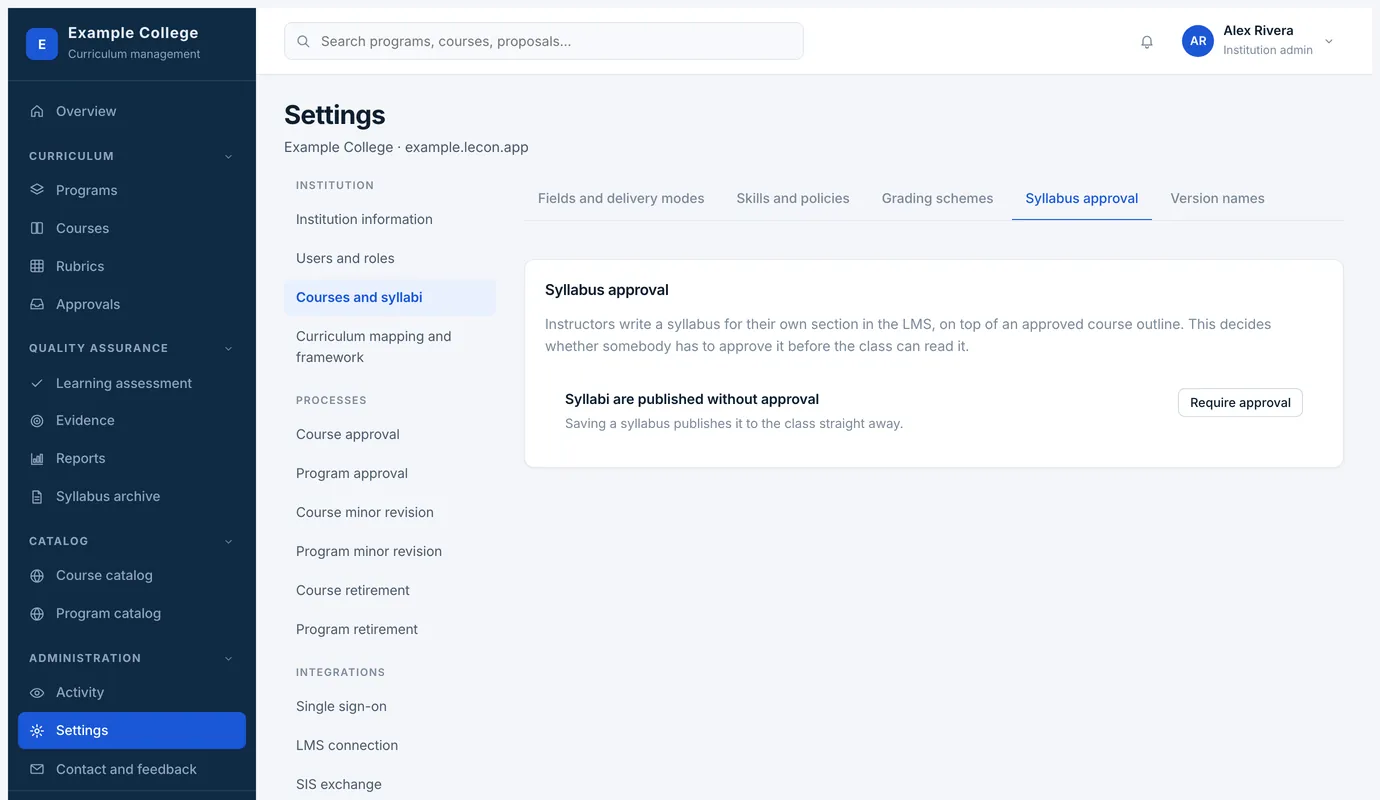
- Skills and policies, on the same settings page, is where the standard wording lives — academic integrity, accessibility, attendance — written once and chosen on each course.
- Version names let you call versions what your institution calls them, since the archive and the calendar both print them.