Setting up your institution
The settings that make Lecon work the way your institution already works.
No two institutions govern curriculum the same way, so the parts that differ are settings rather than assumptions. Settings is grouped into Institution, Processes, Integrations, Public pages, Data and Account.
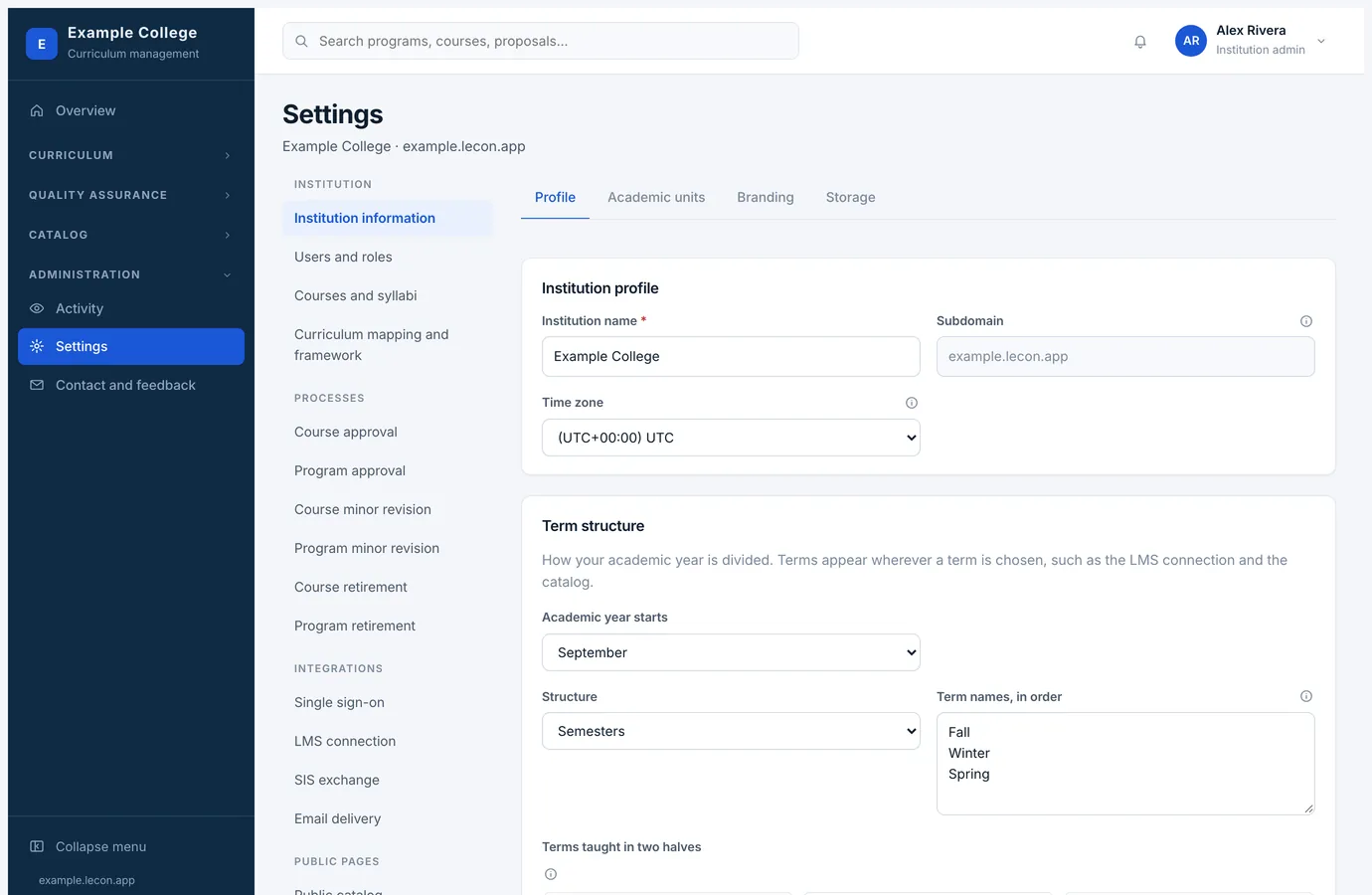
Institution information
Four tabs, because they are four unrelated jobs: Profile, Academic units, Branding and Storage.
- Profile
- Name, time zone, the month your academic year starts, and the term structure — semesters, quarters or trimesters, what you call each term, and which are taught twice over. Effective dates, the pathway map and the catalog all speak in those terms. Your subdomain is set up when your contract starts; support changes it if it ever has to.
- Academic units
- Faculties, schools or departments — whatever you call them, and a unit can sit inside another, so a department belongs to its faculty. Courses and programs belong to one. Campuses are here too: a program records the ones it runs at.
- Branding
- Your logo, which appears in the sidebar, on printed documents and in the public catalog; and the sign-in image, the picture beside the sign-in form that anyone who opens your address sees.
- Storage
- How much of your quota attachments and documents are using.
Courses and syllabi
- Fields and delivery modes: the ways your institution offers courses, each a checkbox on the course form with its own hours and schedule; and the extra fields you want the course form and the outline to carry. Mark one mode as the default and every new course starts with it ticked.
- Skills and policies: the standard wording printed on outlines and syllabi, written once and chosen on each course.
- Grading schemes: letter grades with their percentage bands, a graduate scale, pass or fail. Each course is assigned one, and an approved version keeps the scheme as it stood.
- Syllabus approval: whether an instructor’s syllabus is published to the class straight away or has to be approved first.
- Version names: what your institution calls versions, since the archive and the calendar both print them.
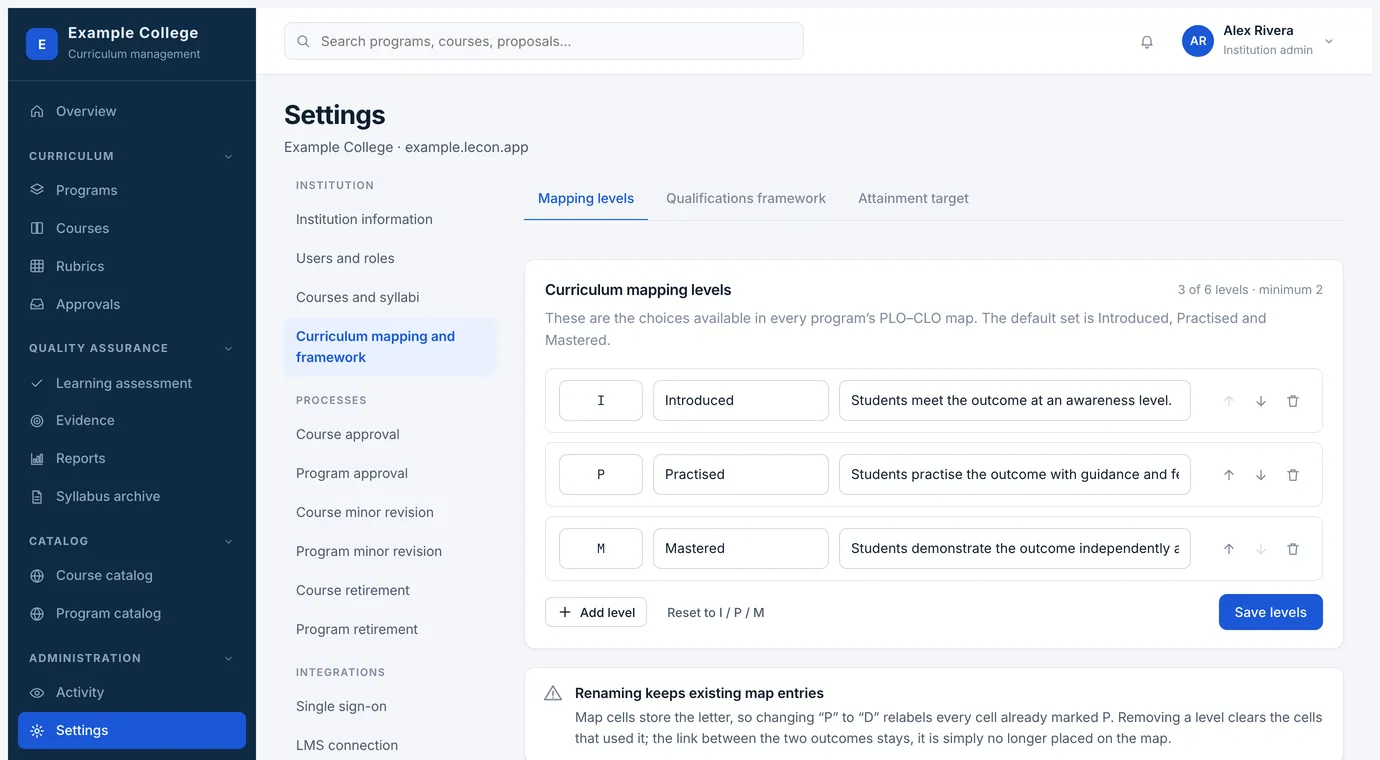
Curriculum mapping and framework
- Mapping levels
- The choices available in every program’s PLO–CLO map. The default set is Introduced, Practised and Mastered; you can rename them, change what each means, or use up to six. Renaming keeps existing entries, because a cell stores the letter.
- Qualifications framework
- What your jurisdiction’s standards are called, and what they are. Programs are then held against them on their own framework tab.
- Attainment target
- The share of students expected to reach the standard for a program outcome. Reports measure against this, unless the rubric used carries a benchmark of its own.
Notifications
A tab inside Users and roles, since it is about the people there. Three institution-wide switches: email approvers when an item reaches their level, email the proposer after every decision, and remind approvers after seven days without a decision. Everything sent is written to the outbound mailbox under Email delivery, whether or not a mail provider is configured, so you can always see what went out.
Data and audit
Where your institution takes its own record away: everything as one ZIP with a manifest and checksums, one part of the record on its own, or one table at a time as CSV that opens in Excel or Sheets. Nothing on the page changes anything. Because an export carries names, email addresses and every comment left on a review, the right to take one is granted separately under Users and roles.
NextYour plan, what it includes, and billing